
Meet your new sidekick: Google Gemini!
And no, we’re not talking about star signs.
Gemini is Google’s brilliant conversational AI-powered chatbot and is essentially Google’s answer to ChatGPT.
But unlike ChatGPT, it excels at serving up real-time info, with a higher degree of factual consistency due to its integration with Google Search.
Gemini officially launched in December 2023, and just 3 years later, it already pulls an impressive 650 million monthly users.
So, how do you use it to shave off hours in your workday?
Stick with us! In the next 5 minutes, we’ll show you how lawyers successfully use it for research, contracts, and case prep (and what lines not to cross). Let’s GO!
Key Takeaways
- Gemini works best as a legal research and drafting assistant.
It’s strongest when summarizing cases, statutes, and complex legal documents. - The quality of prompts determines the quality of output.
Use clear instructions, legal context, and defined goals to get better results. - Gemini shines inside Google’s ecosystem.
If you already use Google Docs, Gmail, and Drive, Gemini fits naturally into your existing workflow. - Confidentiality and accuracy still require guardrails.
Gemini can speed things up, but lawyers must verify outputs and follow ethical rules when handling sensitive information. - Gemini saves time on low-value tasks.
It’s fantastic for first drafts, issue spotting, summaries, and outlines. Avoid using it for final filings or legal advice.
What is Google Gemini?
Google Gemini (formerly Bard) is Google’s conversational AI chatbot that responds to prompts with detailed, text-based answers.
Gemini was created by Google DeepMind (Google’s AI research division) and officially launched in December 2023.
Similar to other AI assistants like ChatGPT, it pulls from vast amounts of online information to generate responses, summaries, and explanations in real time.
But Gemini can also understand and respond to PDF documents, images, audio, and code. Pretty cool, right?
Google described Gemini as its “largest and most capable model yet.”
And unlike standalone AI tools, Gemini is built directly into Google products that lawyers already use (Google Search, Docs, Gmail, Sheets, and Drive), making it especially useful for research- and writing-heavy legal work.
How Gemini Is Helping Lawyers Take Back Their Time
There are many ways lawyers could use Google Gemini.
Not all of them are equally useful (or equally safe).
As we’ve said, Gemini is an AI legal assistant, not a lawyer.
The CEO of Google himself, Sundar Pichai, said in an interview with the BBC, “AI is prone to errors. Don’t blindly trust what it tells you.”
Let’s run through the most practical use cases where Gemini reduces your work hours, while keeping you in control of final decision-making.
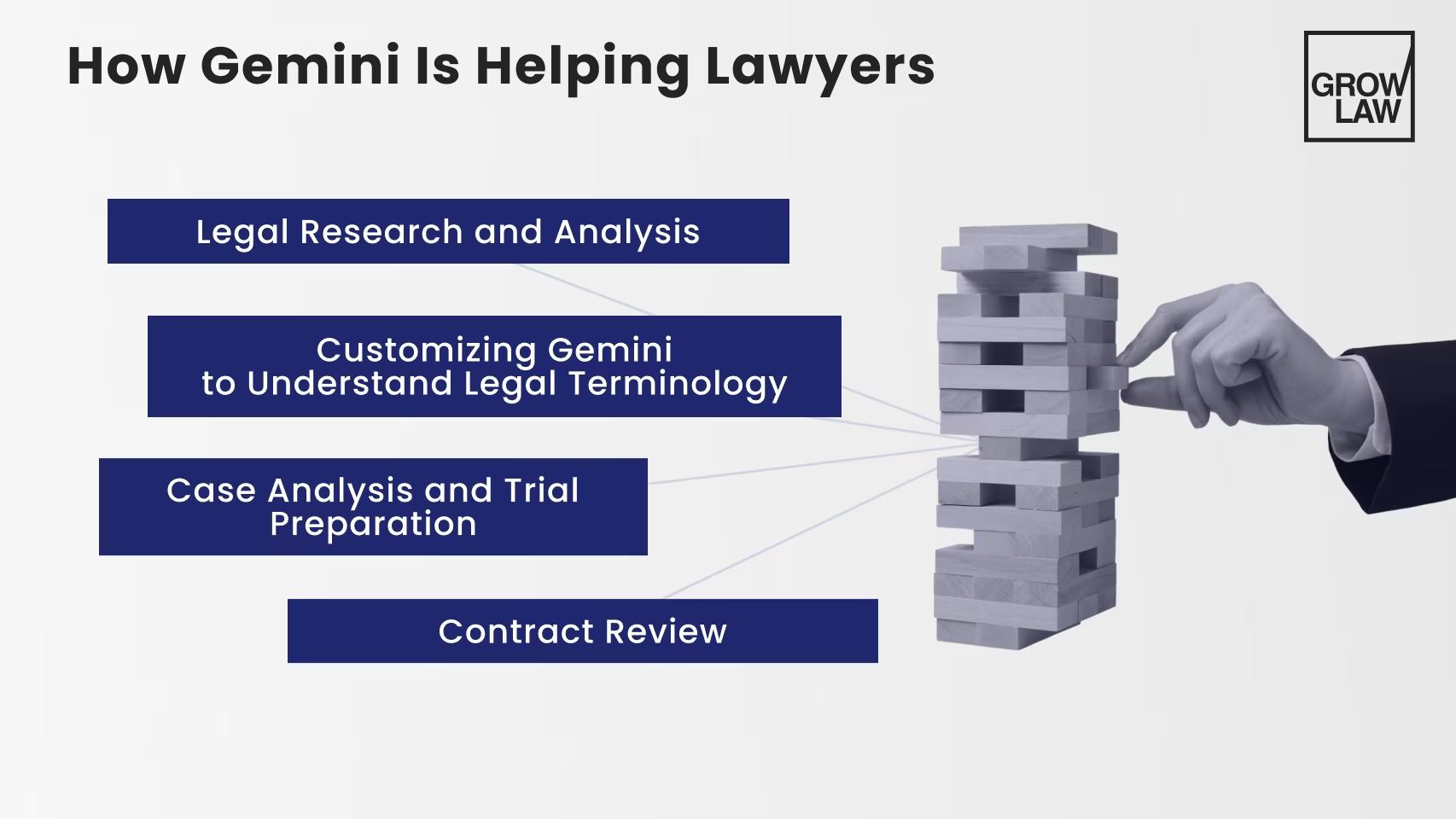
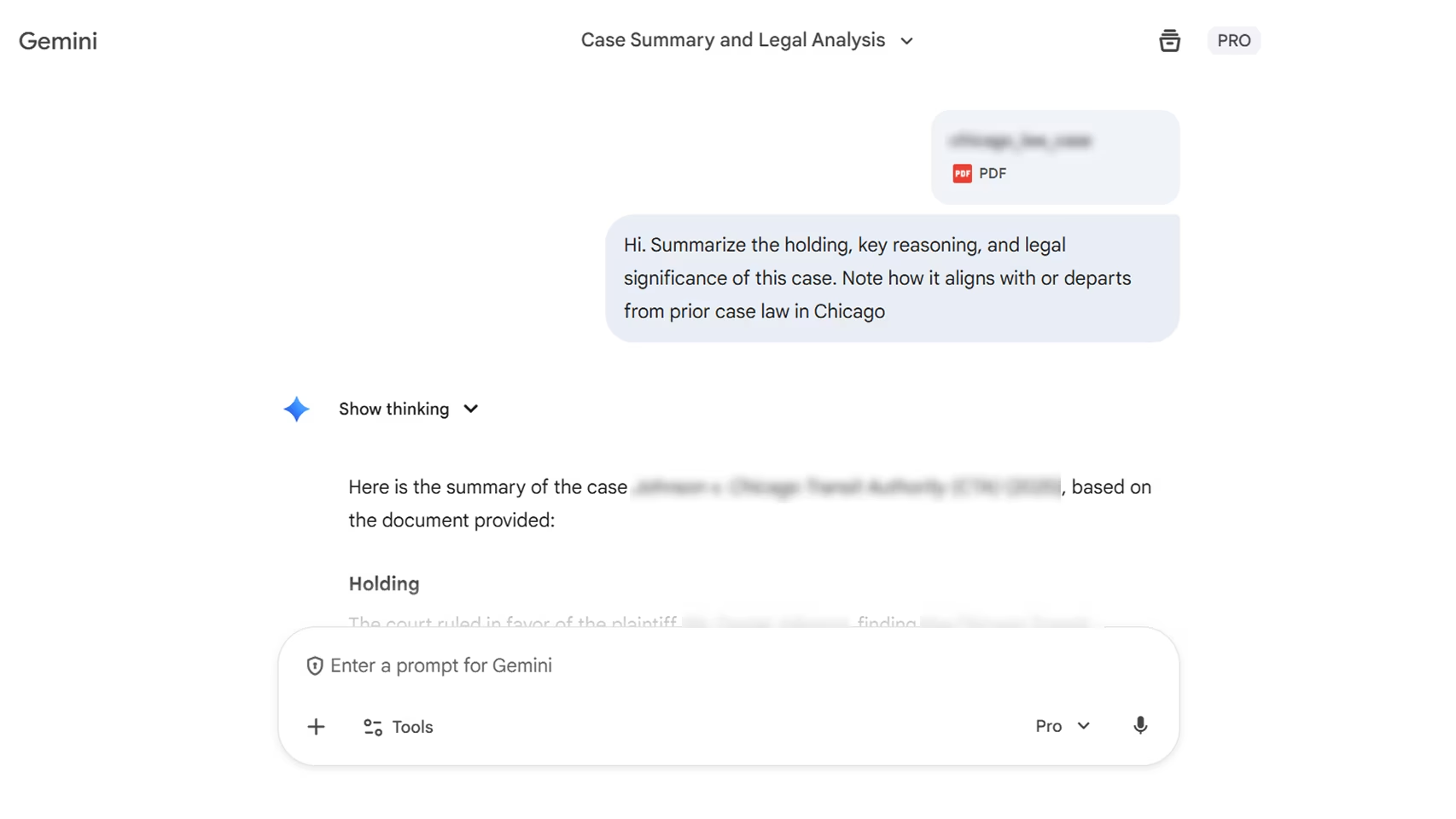
— Legal Research and Analysis
Legal research is one of the biggest time drains in your 9-5.
Do you really want to read mile-long opinions or track how courts apply a rule?
Gemini for lawyers to the rescue! Second Talent reports that companies save 105 minutes on average per week using this nifty chatbot.
It helps by summarizing cases, statutes, and secondary sources in plain English.
But Thomson Reuters points out, “Do not assume the information is 100% accurate. If the AI tool generates a case citation, statute, or regulation, verify its accuracy just as a senior attorney would for junior associates.”
The key is how it’s used in the legal industry. Gemini (like any generative AI model) will never, ever replace legal research. Your legal expertise rules supreme.
— Customizing Gemini to Understand Legal Terminology
Gemini for lawyers performs best when given legal context.
At the start of your chat, “teach” Gemini what you want. Specify your practice area, jurisdiction, and document type.
This will help it interpret legal terminology more accurately.
We’ve found this to be particularly useful for contract review (regardless of your niche, whether you’re a personal injury law firm or a family law firm).
Gemini can summarize obligations, flag non-standard clauses, track defined terms, and highlight sections that need closer attention.

— Case Analysis and Trial Preparation
Make your case analysis a lot easier!
Gemini expertly summarizes discovery, organizes timelines, and spots patterns across documents.
That way, you’re not trying to hold everything in your head. Whew!
When it comes to trial prep, Gemini is great for legal strategy. You can draft issue lists, structure arguments, or ask it to flag gaps in your thinking.
But wait! American Bar Association (ABA) points out: “Before using any AI tool for legal work, consider your ethical obligations. Carefully vet AI-generated work products, as many tools use inputted data for training purposes.”
We agree! Keep this in mind when using any AI.
— Contract Review
Contract review is stressful. Gemini removes a TON of friction, especially in the early stages.
You can use it to summarize long agreements, pull out key obligations, and identify clauses that are unusual or out-of-step with the rest of the document.
Google itself says, “You can use Gemini Enterprise to quickly get the gist of long contracts, depositions, or judicial opinions.”
It’s also helpful for tracking defined terms, comparing sections for consistency, and explaining dense language in plain English.
Gemini isn’t a replacement for contract analysis. Think of it as a speed boost. You stay in control of the risk. Gemini helps you get there faster.
Best Practices for Implementing Google Gemini in Legal Work
AI can do good… or royally mess up.
It comes down to the quality of your prompts, along with the decisions you take when incorporating them in your workflow.
Here’s what to keep in mind:
1. Choose the Right Gemini Version for Your Firm
Excited to roll Gemini into your workflow? First, it’s important to understand what level of control you need. Gemini is available in several forms:
- Google AI (free)
The free version is available with a standard Google account. It’s useful for basic tasks like short summaries, drafting emails, and light research. Use this to test Gemini’s capabilities, but keep in mind: it offers a limited number of daily chat queries. - Google AI Plus ($7.99/month)
AI Plus unlocks stronger access to Gemini’s more capable models, along with features like Deep Research and direct integration into Gmail, Docs, and Chrome. For solo attorneys or small firms, this tier offers the best balance of cost and capability! - Google AI Pro ($19.99/month)
Now we’re cooking! AI Pro expands access to advanced reasoning, longer document analysis, and research tools. It also includes deeper Workspace integration and more generous (2TB!) storage. This tier makes sense if you use Gemini daily for research, drafting, and internal analysis. - Google AI Ultra ($249.99/month)
Ultra is Google’s highest-access tier, offering maximum limits and experimental features like advanced agent tools and large-scale video generation. For most law firms, this level is unnecessary for routine legal work.
Does your firm already run on Google Workspace? If so, Google AI Pro is usually the most practical version for your law firm.
2. Set Clear Standards (You’re Guiding Gemini, Not “Training” It)
Gemini doesn’t learn permanently from your past chats.
An observant Reddit user reports, “Gemini doesn’t have the same kind of chat history database like ChatGPT. It treats each conversation as fresh each time.”
But Gemini does respond much better when you give it clear, repeatable instructions.
Instead of “training” the model, focus on prompt discipline:
- Specify the practice area and jurisdiction
- Define tone (formal, internal-only, client-facing, etc.)
- Set expectations for length and format
- Tell it what not to do (e.g., “don’t speculate,” “flag uncertainty”)
You can also paste examples of writing (like prior memos or emails) within a prompt to guide the tone for that task.
Just avoid including confidential or privileged material unless you’re using a Workspace plan with approved policies.
3. Integrate Gemini Into Existing Workflows (Don’t Isolate It)
Gemini is most effective when it’s used inside your normal daily processes.
That’s right, don’t think of it as a separate tool!
Here are a couple of common, low-risk ways that legal professionals can integrate Gemini:
- Email and intake support: drafting or summarizing client communications directly in Gmail
- Document review: first-pass summaries of contracts, discovery, or transcripts
- Internal communication: generating meeting notes, case updates, or task summaries in Docs
- Content and marketing: outlining blog posts, FAQs, or resource pages
You DO NOT need to use Gemini everywhere. Start with the above and stay consistent!

Best Gemini Prompts for Lawyers
Be specific!
That’s the best advice we can give you to extract value from Google Gemini. Provide clear context, a defined task, and an expected output format.
Here are a few high-impact prompt examples for lawyers:
Pro Tip: If Gemini is unsure, tell it to say so. Prompts that include “flag uncertainty” or “ask follow-up questions if information is missing” produce more reliable results.
Got Gemini? Now, Get More Clients!
You’re at an exciting point in history. AI tools like Google Gemini are transforming the very nature of legal work:
- Use Gemini to accelerate legal research
- Apply it to first-pass contract review
- Rely on it for case analysis and trial prep
- Customize prompts with practice area, jurisdiction, and context
- Integrate Gemini into your existing workflows
But AI is pointless without clients!
Partner with Grow Law today. We’ve been exclusively marketing law firms since 2008, and over 100+ practices are now thriving in highly competitive markets.
With our SEO, PPC, and AI search optimization services, we fill your caseload (consistently!) and give you the freedom to run your law firm stress-free.
Take Omar Ochoa. We helped his PI law firm dominate in Texas and achieve a 1,000%+ lead increase.
Ready to build your own success?
Get Your Free Growth Plan Today ($499 Value)